Build smarter interval workouts. Run cleaner, sharper sessions.
Ntrval Timer combines timer building, workout planning, workout calendars, and branded display tools — for personal training, group fitness, and multi-location studios.

Now on iPhone & iPad · Also available on the web
Everything in one place
One app for building, planning, and running workouts
From a single interval timer to programming across every location — Ntrval Timer scales with how you train and how you run your business.
Timer Builder
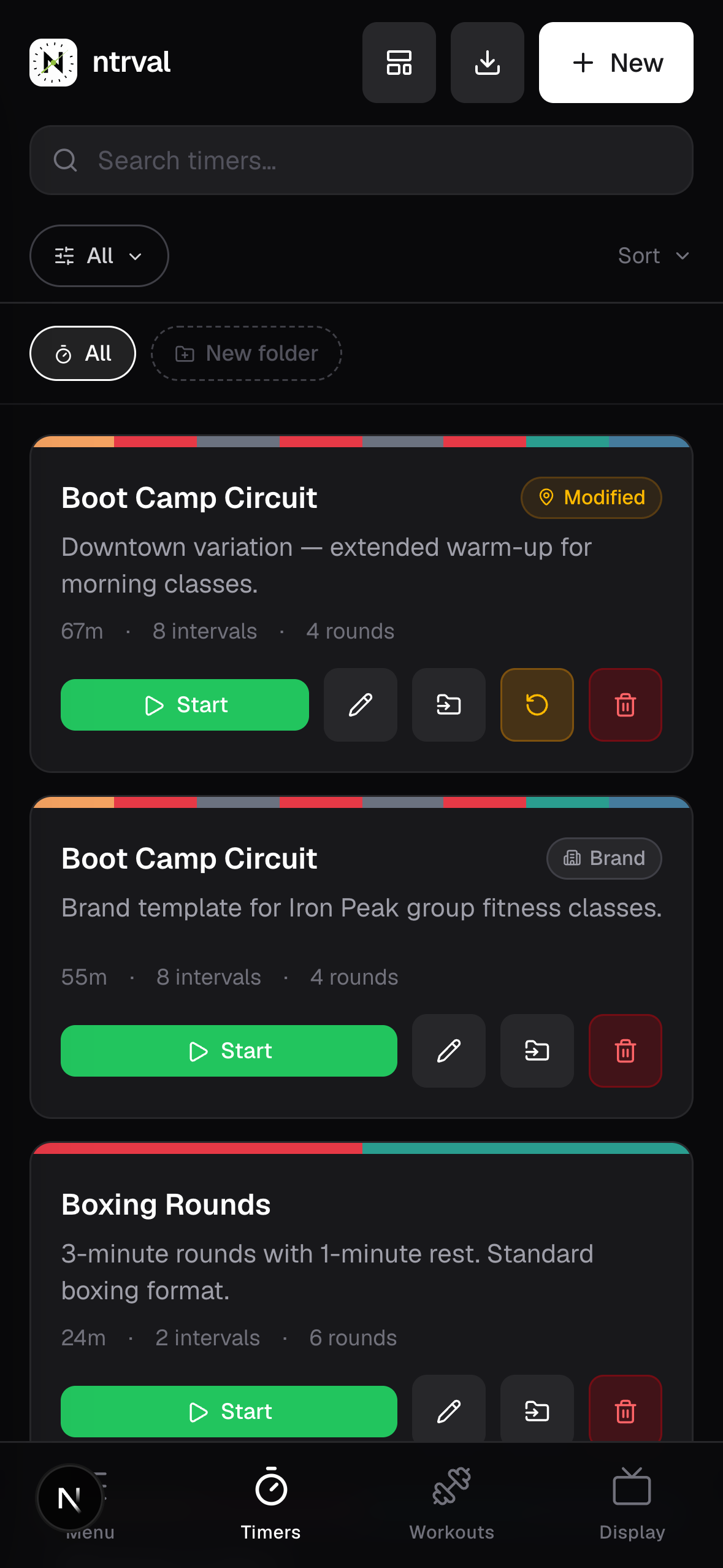
Create custom interval timers with work, rest, rounds, transitions, and warmups. Save reusable timers for every workout format.
Workout Builder
Plan full workouts with movements, stations, and circuits — then connect a timer so the session timing matches your structure exactly.
Workout Calendar
Program ahead by day, week, or month. Perfect for personal goals and planning your training week.
Display Board
Display tools that turn any screen or TV into a branded board for on-brand idle screens, announcements, promotions, and studio messaging.
iPhone & iPad App
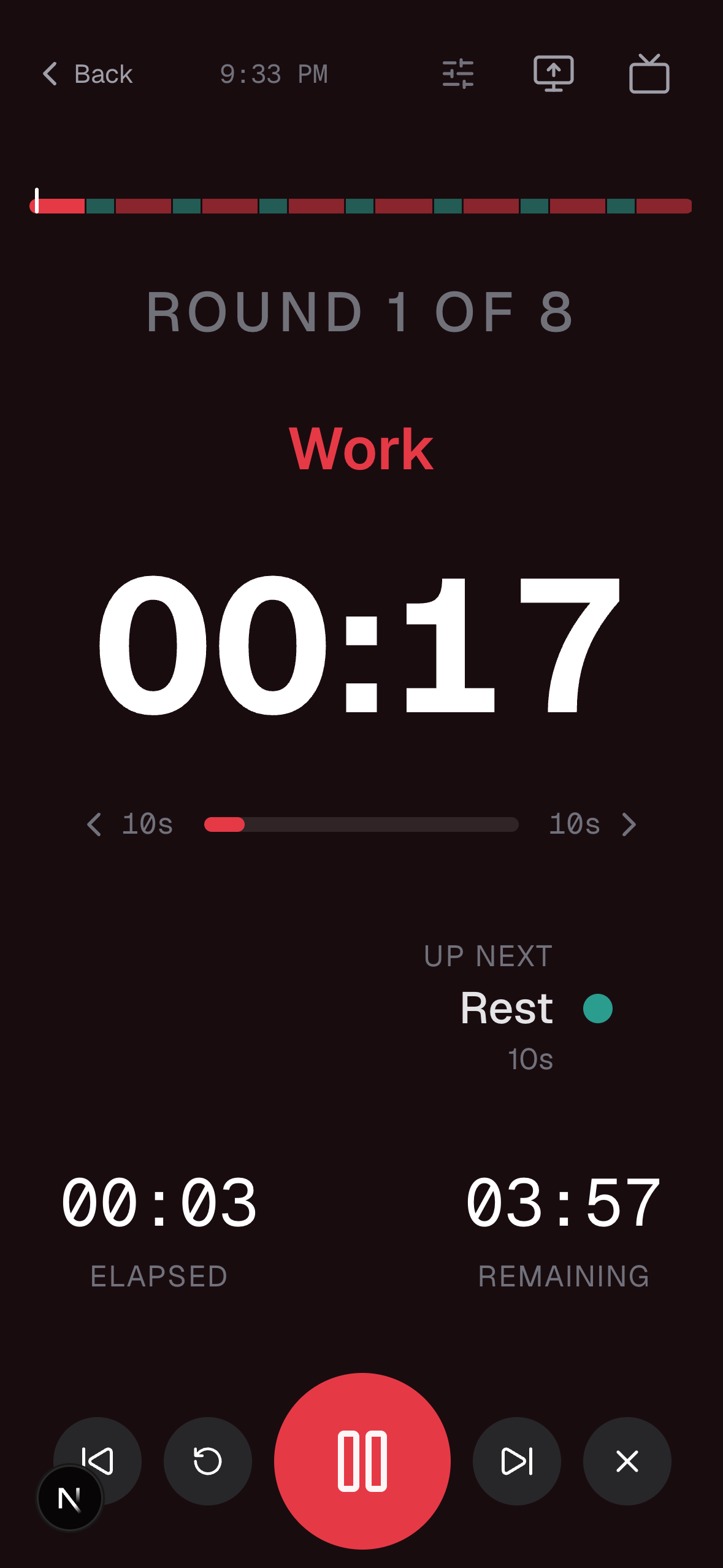
Build, manage, and run timers from the iOS app, in sync with the web app across the devices you train with. Android is coming soon on Google Play.
Get it on the App Store (opens in new tab)Exercise Library
Keep your movements, equipment, coaching notes, and videos in one searchable library — then drop them straight into workouts and timers.
Workout Builder
Pro FeaturePlan the session, then run it without missing a beat
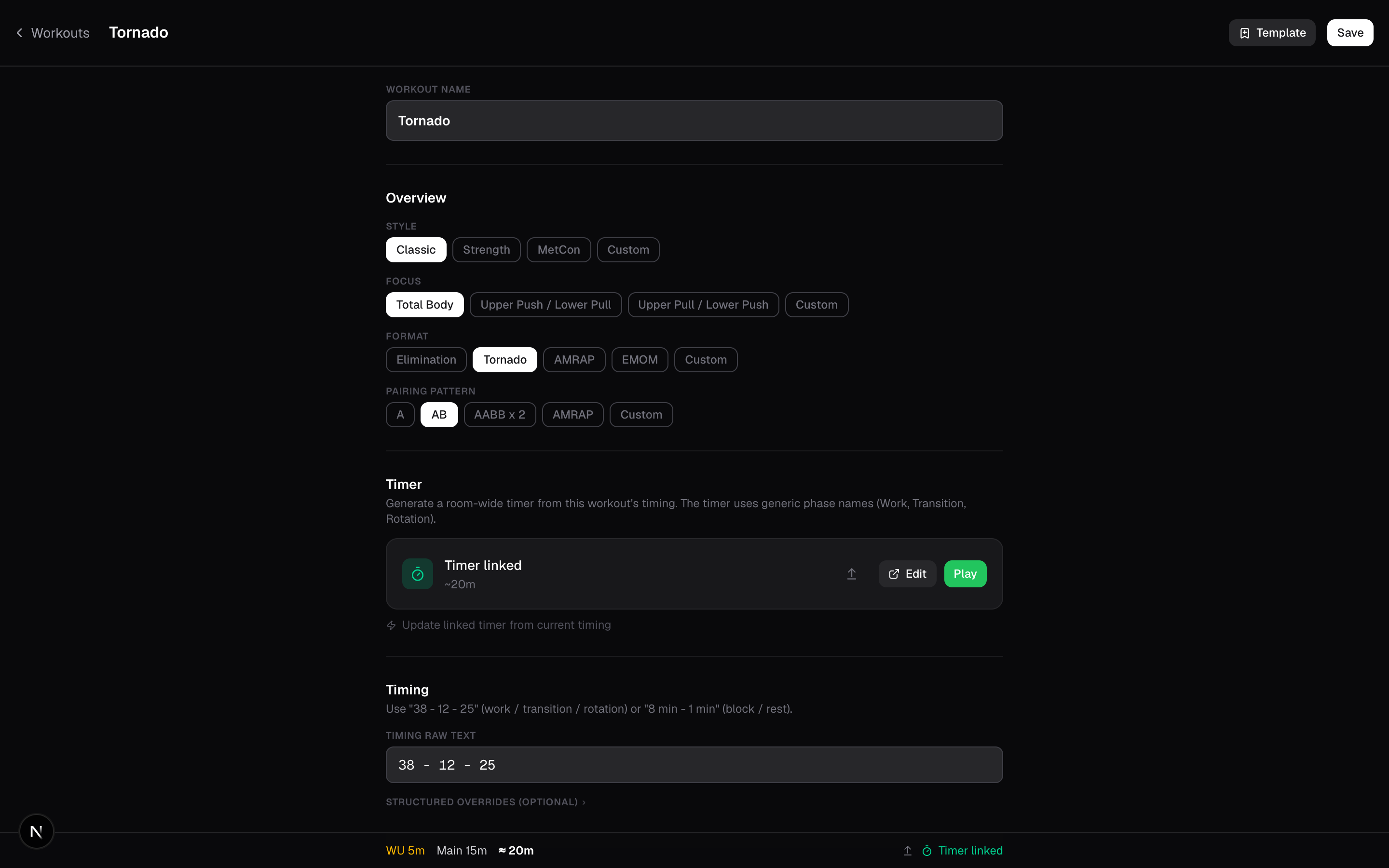
Plan AMRAP, EMOM, elimination, and more. Build the workout, connect the timer, and run the session without missing a beat. Coaches get a clean plan; the room gets perfectly synced timing.
- Movements, stations, circuits, warmups, and finishers
- Connect any workout to a matching timer
- Formats like AMRAP, EMOM, Elimination, and more
- Save your builds as reusable templates
Workout Calendar
Basic FeatureProgram ahead and keep your training on schedule
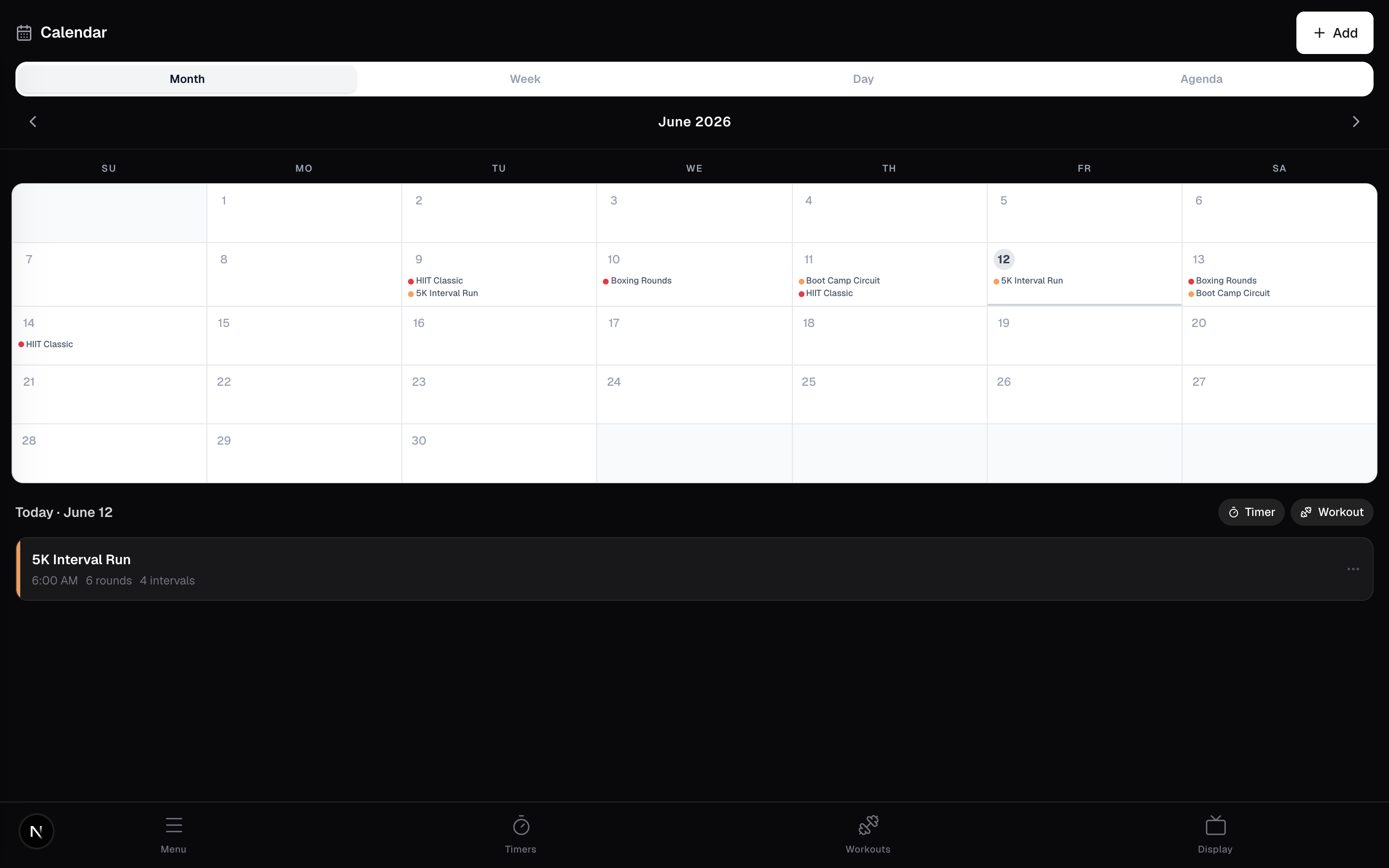
Organize upcoming sessions by day, week, or month. Build out a week of programming and always know what's next.
- Day, week, month, and agenda views
- Schedule your timers (add full workouts with Pro)
- Ideal for planning your own training week
- See today's session at a glance
Exercise Library
Pro FeatureEvery movement, cue, and progression in one searchable library
Build your library once, then drop exercises straight into workouts and timers. Add video, coaching notes, and easier or harder versions so everyone in the room has a clear way to train.
- Search and filter by category, equipment, movement pattern, muscle, and intensity
- Link a video and add coaching notes to any exercise
- Add easier substitutions and harder challenges for every level
- Use exercises in the workout builder and interval timers
Category
Equipment
Pattern
Muscle
Intensity
Every exercise can include
Display Board
Business FeatureTurn any screen into a workout command center
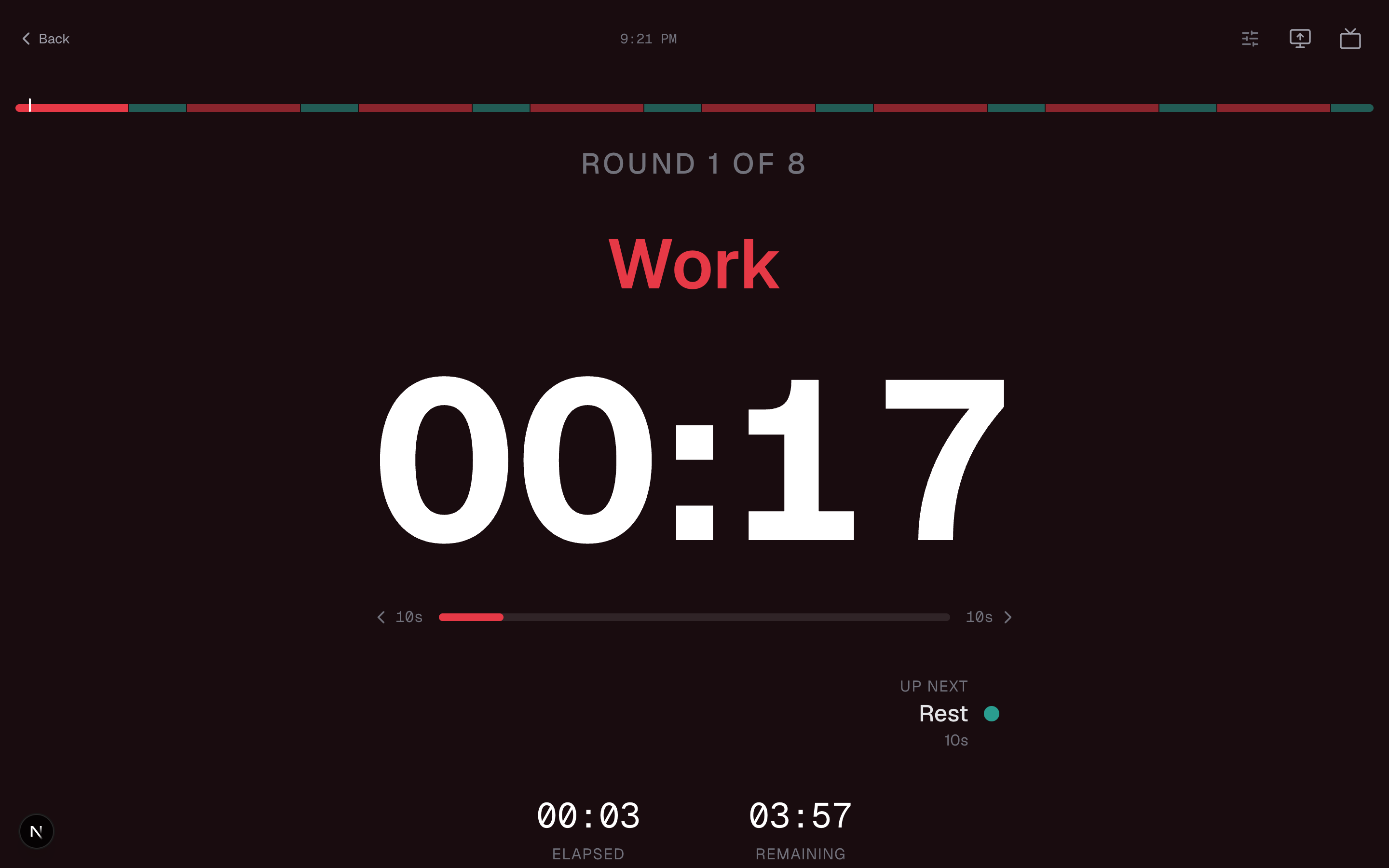
When a timer is running, the room sees exactly where they are in the workout via AirPlay and screen mirroring. When it isn't, the same screen becomes a branded board for your gym — no extra hardware required.
AirPlay & screen mirroring
Send big, legible timing — countdowns, round counters, and phase colors — to any screen via AirPlay and screen mirroring.
Idle-screen announcements
Between sessions, show class schedules, promotions, and member shout-outs.
On-brand displays
Match your studio's colors and identity so every screen reinforces your brand.
Plans
Plans for every way you train
Start free, then add what you need — from a workout calendar to the workout builder, exercise library, and a Display Board for the gym TV.
Free to start. Core interval timers, the stopwatch, and alarms are free — no subscription needed. Paid plans are optional annual subscriptions, and eligible accounts get a free 14-day Pro trial — no card required. The trial ends on its own, and you stay on Free unless you subscribe.
Basic
For individuals who want to plan their training week.
$19.99/ year
- Everything in Free
- Workout calendar
- Day, week, month, and agenda views
- Schedule your timers on the calendar
Pro
For coaches and trainers who build full workout sessions.
$39.99/ year
- Everything in Basic
- Workout builder
- Stations, warm-ups, and finishers
- Exercise library with search and filters
- Saved workout templates
- Sharing
Business
For gyms and studios that put their sessions on the big screen.
$79.99/ year
- Everything in Pro
- Commercial Display Board for gym TVs
- Idle-screen announcements and promotions
Enterprise
For franchises and organizations with multiple locations.
Custom
- Everything in Business
- Branded screens and brand defaults
- Multi-location management
- Org-wide reporting and visibility
- Custom onboarding and support
Prices are in USD, billed annually, and may vary by region. Subscriptions are purchased in the Ntrval Timer iOS app through the App Store, renew automatically unless canceled at least 24 hours before the end of the current period, and can be managed in your Apple Account settings. Enterprise pricing is custom.
Build your first timer in minutes
Every timer you build is saved and ready to run from your pocket. Start a session on your phone and send it to the gym TV with AirPlay or screen mirroring. Core timers are free, and eligible accounts get a 14-day Pro trial.